
Engram
Disc ripping and media organization with a reactive web dashboard.
Monitors optical drives, rips with MakeMKV, identifies episodes by transcribing the audio and matching it against reference subtitles, and files everything into your media library -- automatically.




Workflow
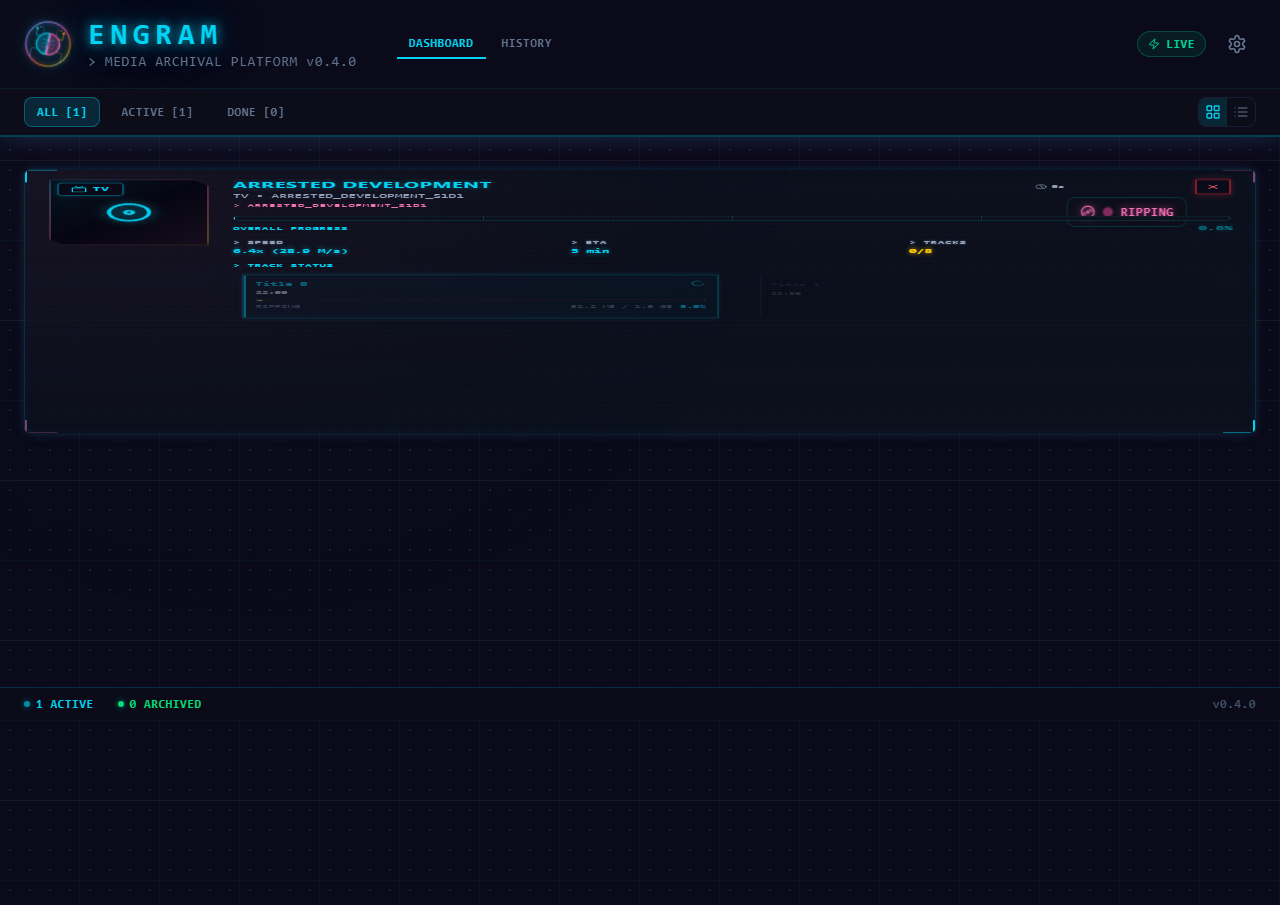 |
|---|
| Ripping a TV disc with real-time progress |
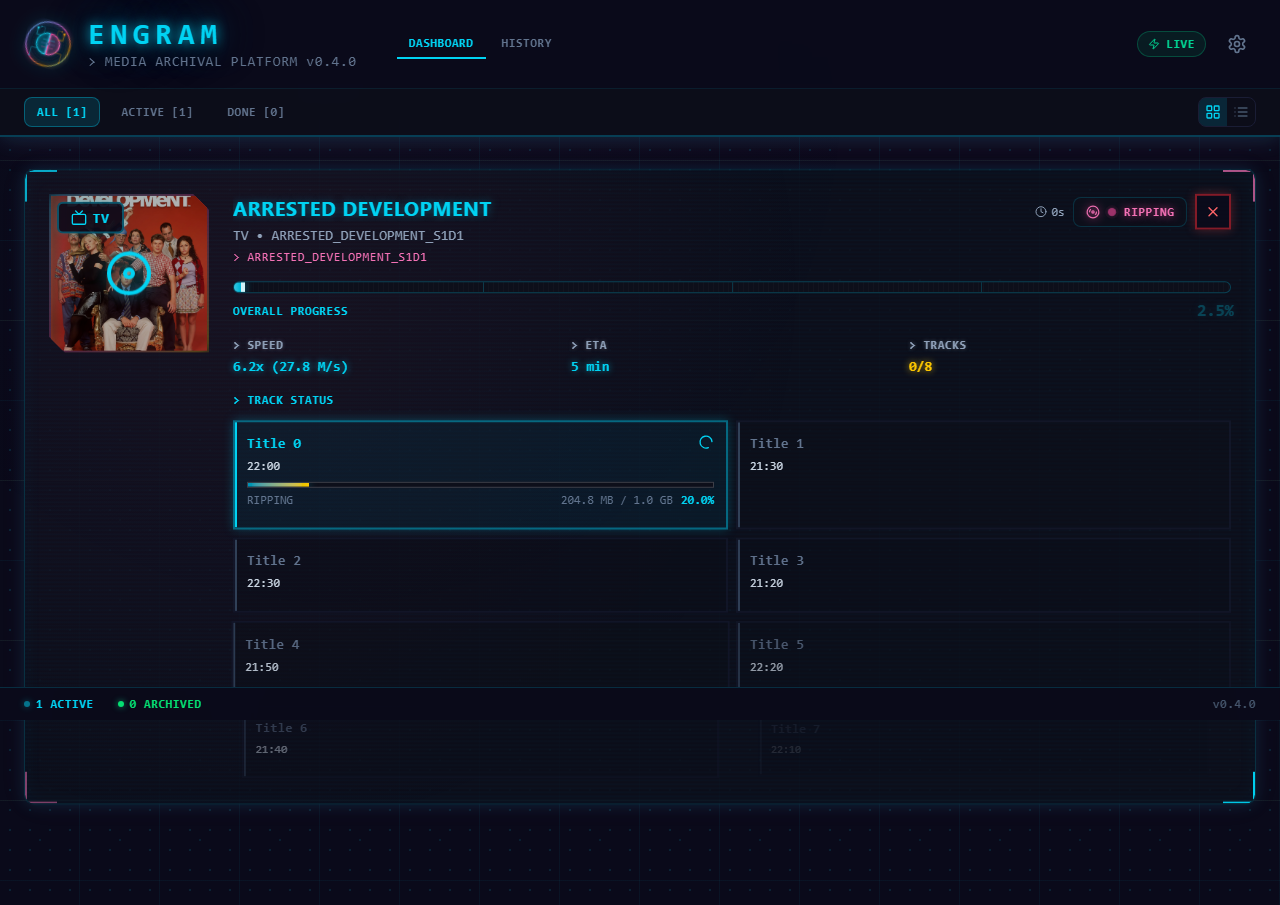 |
|---|
| Track grid showing per-episode byte progress |
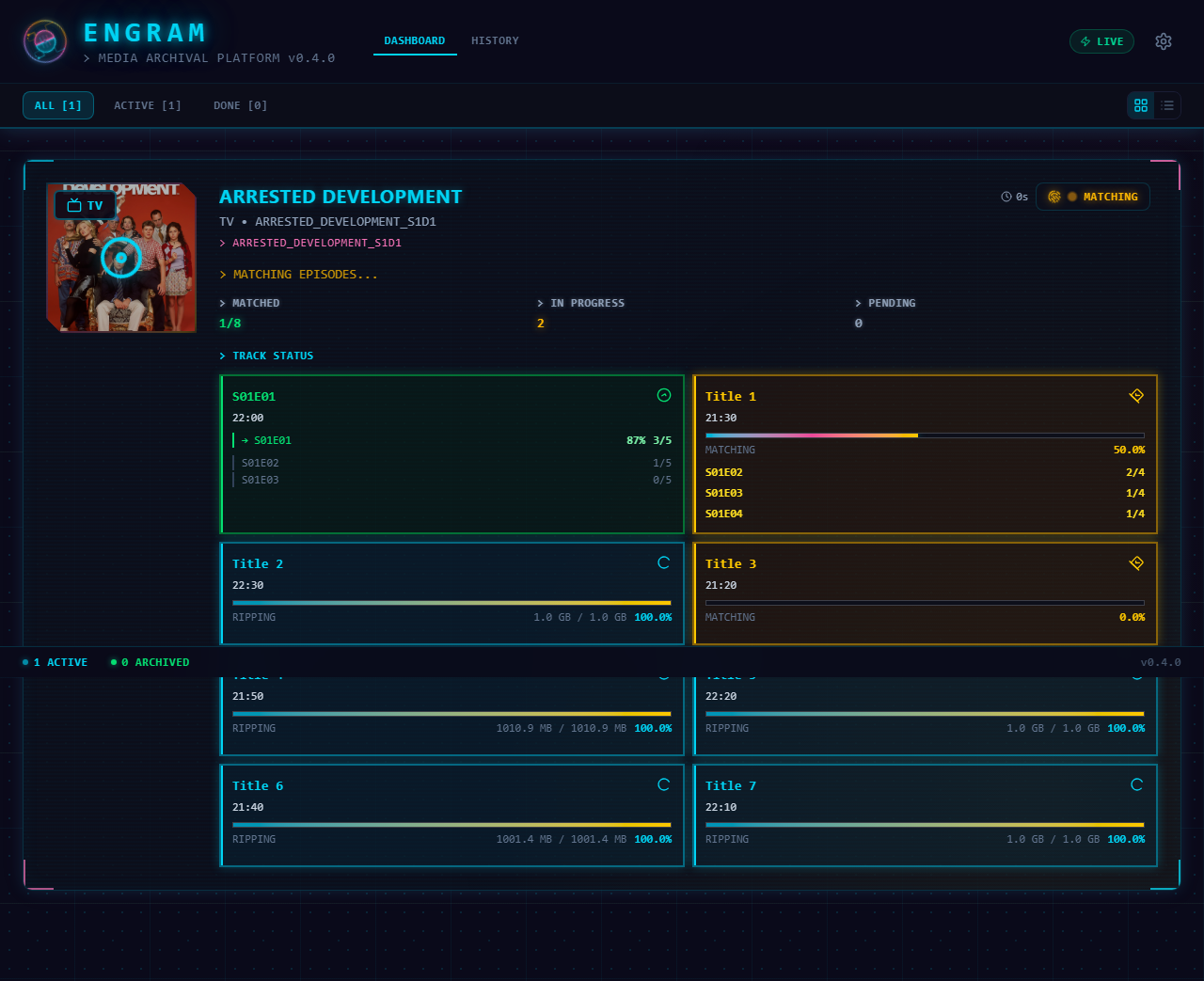 |
|---|
| Episode matching with confidence scores |
Features
- Automatic disc detection -- monitors optical drives and starts processing on insertion
- Smart classification -- distinguishes TV shows from movies using duration analysis, TMDB lookup, and TheDiscDB; uses the MakeMKV disc name as a TMDB fallback for merged-word volume labels (e.g.
STRANGENEWWORLDS_SEASON3) - Episode matching -- identifies TV episodes by transcribing the audio and matching it against reference subtitles
- Acoustic fingerprint network -- a shared catalog of chromaprint audio fingerprints that identifies episodes without needing subtitles for the show. No audio or video leaves your machine; see Contributing Data
- Subtitle downloads -- fetches subtitles via the OpenSubtitles.com REST API (preferred, free tier available) with Addic7ed as fallback
- Real-time dashboard -- web UI with WebSocket live updates, progress tracking, and notifications
- Human-in-the-loop -- review queue for low-confidence matches, unreadable disc labels, and ambiguous content with a pre-filled correction modal
- Job history & analytics -- searchable archive of all completed/failed jobs with drill-down detail panel, processing timeline, and TheDiscDB metadata
- TheDiscDB integration -- automatic disc identification via content-hash disc lookup with persisted title mappings
- Contribute back -- share disc layouts with TheDiscDB so others can identify the same pressings automatically. Opt in under Settings → TheDiscDB Contributions
- Responsive design -- works on desktop and mobile with compact/expanded view modes
Platform Support
| Feature | Windows | Linux | macOS |
|---|---|---|---|
| Automatic drive detection | Yes | Yes | No |
| Staging folder auto-import | Yes | Yes | Yes |
| MakeMKV ripping | Yes | Yes | Yes |
| Episode matching (ASR) | Yes | Yes | Yes |
| Web dashboard & API | Yes | Yes | Yes |
| Tool auto-detection | Yes | Yes | Yes |
| TheDiscDB / TMDB lookup | Yes | Yes | Yes |
Windows has full automatic disc detection via kernel32 APIs. Linux has native optical-drive detection via /sys/block and blkid. On macOS, the backend and dashboard run fully, but disc insertion must be triggered via the staging import API. On all platforms, a staging folder workflow lets you drop pre-ripped MKV files into the staging directory for automatic classification, matching, and organization.
Importing pre-ripped files
Set an Import Watch Folder in Settings and Engram will automatically pick up MKV files placed there (e.g. by AutomaticRippingMachine, or copied in by hand). Point the watch folder at the directory that holds your rips. Three layouts are supported:
Import Watch Folder/
├── The Expanse/
│   └── Season 01/            ← recommended: gives the best episode matching
│       ├── episode.mkv
│       └── episode.mkv
├── Firefly/                  ← flat: episodes are matched across all seasons
│   ├── episode.mkv
│   └── episode.mkv
└── THE_OFFICE_S1D1/          ← per-disc, ARM-style
    ├── title_t00.mkv
    └── title_t01.mkv
Season folders may be written Season 1 or Season 01. When there's no season folder, matching searches every season of the show, which works but is slower.
→ Full walkthrough: Import Watch Folder — every layout, the import lifecycle, and why your source files are never deleted.